
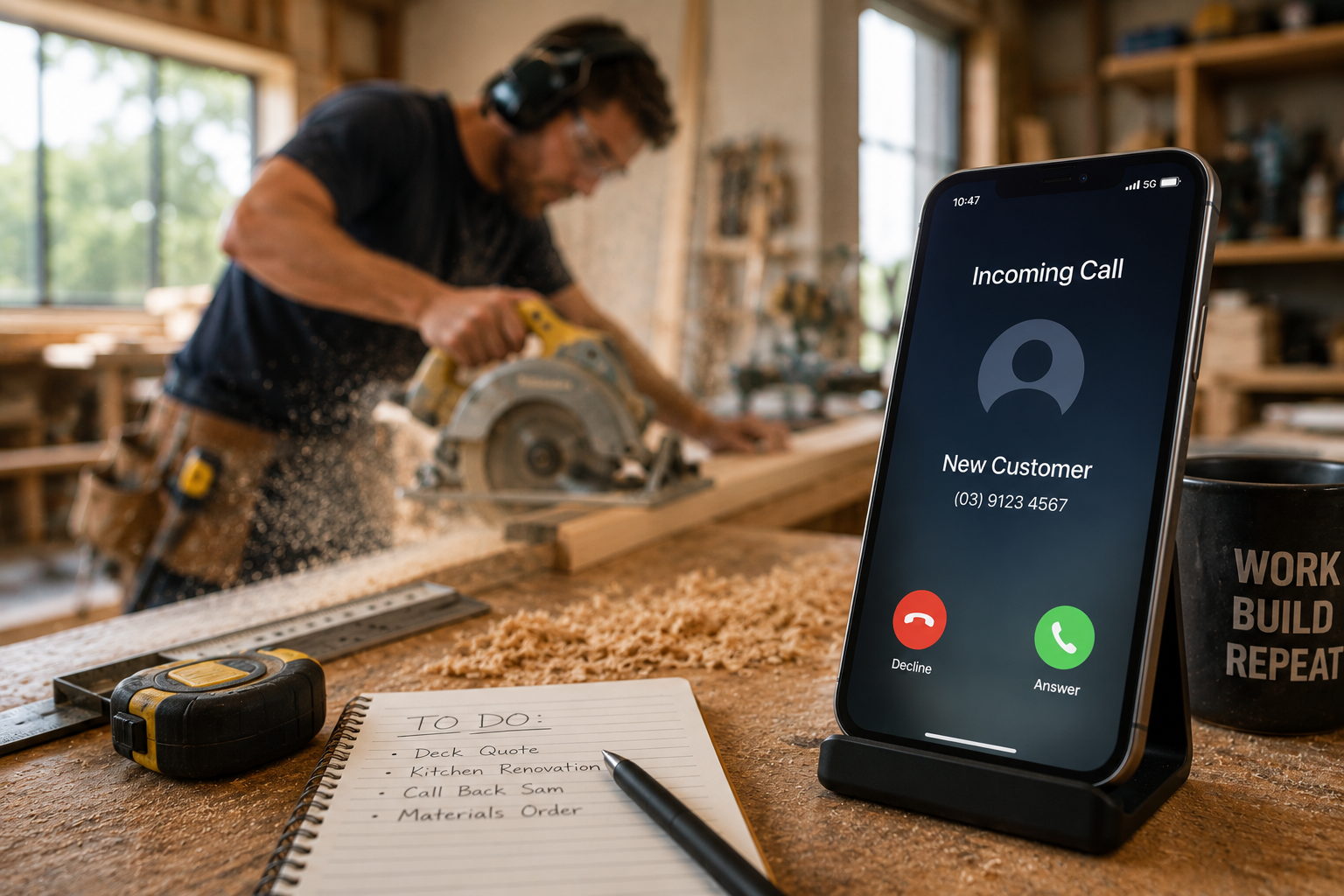
Running a trade or service business means the phone can ring at any time. You might be halfway through an installation, driving between jobs, meeting with a customer, or simply trying to finish the day's work when a new enquiry comes in. If you answer, you interrupt what you're doing. If you don't, you risk sending a potential customer straight to voicemail—and possibly to a competitor.
An AI receptionist can help solve this problem by becoming the first point of contact for incoming calls. Instead of simply recording a voicemail, an AI receptionist can answer customers, understand why they're calling, collect important information, qualify enquiries, and guide callers toward the appropriate next step. But getting good results from an AI receptionist isn't as simple as switching it on and hoping for the best. The system needs to understand your business, know how you want different calls handled, and have clear rules for when it should take action or involve a real person.
The good news is that setting one up doesn't have to be complicated. By starting with your most common calls and gradually building smarter workflows around them, you can create an AI receptionist that works alongside your team and makes it easier for customers to do business with you.
Step 1: Decide What You Want Your AI Receptionist to Do
Before setting up any technology, start by defining the job. Think about what happens when someone calls your business today. Do most callers want to request a quote? Are they trying to book an appointment? Do you receive emergency service calls? Are existing customers calling for updates? Do you regularly receive calls for services you don't provide? Your AI receptionist should be designed around these real conversations.
For a plumbing business, the primary goal might be identifying urgent jobs and booking routine service calls. An HVAC company might want to capture repair enquiries, maintenance requests, and installation leads. A painting or carpentry business might focus more heavily on qualifying projects before scheduling an estimate. Your AI receptionist might answer incoming calls, collect customer details, identify the reason for the call, qualify new leads, answer common questions, schedule appointments, or escalate urgent situations. You don't necessarily need to automate everything from day one. Starting with the most repetitive calls can make the setup easier and give you an opportunity to improve the system over time.
Step 2: Give the AI the Right Business Information
An AI receptionist is only as useful as the information it has available. Before it starts speaking with customers, it needs to understand the basics of your business. This includes your business name, services, operating hours, service areas, contact information, and the types of customers you work with.
It should also understand what you don't do. If you're a carpenter specialising in decks and renovations but don't handle small furniture repairs, the system should know that. If your plumbing business only operates within a specific area, callers outside that area should be handled appropriately. If you charge a standard call-out fee, the AI should only communicate that information if you've approved it.
Think of this stage as training a new receptionist. A new employee couldn't answer customer questions accurately without first learning how your business operates, and an AI receptionist is similar. The clearer and more structured your business information is, the easier it becomes for the system to provide consistent responses. Technologies built around conversational AI can process natural-language interactions, but the business-specific knowledge behind those conversations still needs to reflect how your company actually works.
Step 3: Map Out Your Most Common Call Types
Once the AI understands your business, identify the calls you receive most frequently. You don't need to predict every possible conversation. Start with the common ones. For example, a home-service business might regularly receive new quote requests, appointment bookings, emergency calls, existing customer enquiries, requests to reschedule, questions about pricing, and calls from people outside the service area.
Each type of call can follow a different path. A new customer requesting a quote might need to provide their name, address, type of service, and project details. An existing customer might need to be routed differently. An urgent enquiry might need to be escalated immediately. A caller outside your service area might simply need to be informed that you don't currently service their location. Mapping these conversations before launching your AI receptionist helps create a more organised and consistent customer experience.
Step 4: Decide What Information to Collect
One of the biggest advantages of an AI receptionist is its ability to turn an unstructured conversation into useful customer information. But you need to decide what information actually matters. For most service businesses, the basics include the customer's name, phone number, email address if required, service address, and reason for calling. From there, the questions should become specific to the type of business and enquiry.
A painter might want to know whether the project is interior or exterior, the approximate number of rooms, and the desired timeframe. A carpenter might ask about the type and approximate scope of the project. An HVAC business could collect information about the customer's system and the problem they're experiencing. Avoid asking questions simply because you can. Every question should help your business qualify the customer, prepare a quote, schedule the right service, or determine what should happen next. The objective is to collect enough information to make the next step easier without turning a simple phone call into a lengthy interview.
Step 5: Create Your Lead Qualification Rules
Not every enquiry needs the same response. This is where you define what a good lead looks like for your business. You might qualify customers based on location, service type, project size, urgency, availability, or other factors relevant to your operation.
For example, a painting company might only accept projects within a particular service radius. A carpenter could prioritise renovation and custom cabinetry projects over minor repairs. A plumbing company might automatically prioritise calls involving burst pipes or major leaks. Your qualification rules help the AI determine what should happen after the initial conversation.
Strong-fit leads might move toward booking, while complex projects could be flagged for a personal callback. Urgent situations might be escalated, and poor-fit enquiries could be handled according to your preferred workflow. The AI doesn't decide what makes a lead valuable. Your business defines the rules, and the system helps apply them consistently.
Step 6: Connect Your Booking Calendar
If you want your AI receptionist to schedule appointments, it needs access to accurate availability. This is where integration with your calendar, scheduling platform, or field-service management system becomes important. Instead of telling customers, "Someone will call you back to organise a time," the AI can potentially offer appointment windows that are actually available.
For straightforward jobs, this can dramatically reduce scheduling back-and-forth. The customer calls, explains what they need, qualifies for the service, selects an available time, and receives confirmation. Platforms such as Jobber, ServiceM8, and Tradify show how scheduling, quoting, customer management, and job information can form part of connected workflows for trade and service businesses. The goal is to ensure the AI only offers appointments that fit your real schedule and business rules.
Step 7: Define When a Human Should Take Over
AI shouldn't handle everything. Some conversations require human judgement, technical expertise, empathy, or immediate decision-making. Your setup should clearly define when the AI receptionist should stop trying to manage the situation independently and involve someone from your team.
This might include high-value commercial enquiries, unusual technical questions, customer complaints, complex project discussions, or genuine emergencies. For example, an AI receptionist for a plumbing company might be able to collect information about a serious water leak and identify the situation as urgent. Your workflow can then determine whether the call should be escalated to an on-call team member.
The goal isn't to eliminate human involvement. It's to make sure humans become involved at the right time. Let AI handle repetitive questions and routine administration while your team focuses on situations where their expertise makes a difference.
Step 8: Give Your AI Receptionist the Right Voice
How your AI receptionist communicates matters. A plumbing company might want a straightforward and reassuring tone. A high-end residential construction business may prefer something more polished and professional. A local family-run trade business might want conversations to feel friendly and relaxed.
The AI should sound appropriate for your customers and brand. Keep responses clear and conversational, and avoid unnecessarily complicated language, overly long explanations, or scripts that sound robotic. You should also decide how the receptionist introduces itself and ensure its behaviour aligns with applicable requirements around AI disclosure, privacy, and call recording in the jurisdictions where your business operates. A good AI receptionist shouldn't try to impress callers with technology. It should make getting help feel easy.
Step 9: Test Real-World Scenarios
Before sending every customer call to your AI receptionist, test it. Call the system yourself and pretend you're a new customer. Ask for a quote, try to book an appointment, call from outside your service area, ask about something you don't provide, pretend you have an urgent problem, and ask a question the AI shouldn't answer.
The goal is to find gaps before your customers do. You should also test unexpected language because customers won't always describe their problems using the terminology your business uses internally. Someone might say, "There's water everywhere," rather than "I have a burst pipe." Your AI receptionist needs to handle natural conversations, not just perfectly scripted requests. Testing helps identify where instructions, business information, or workflows need improvement.
Step 10: Review Calls and Improve Over Time
Setting up an AI receptionist isn't a one-time project. Your business changes, your services evolve, your pricing changes, and customers will inevitably ask questions you didn't anticipate. Reviewing conversations and outcomes can help you understand where the system is working well and where adjustments are needed.
You might discover that customers frequently ask about a service you forgot to include. Perhaps one qualification question is confusing callers. Maybe certain leads should be escalated earlier, or a particular type of call could be automated further. Treat the AI receptionist as a process that improves over time. The more accurately it reflects your real business operations, the more useful it becomes.
How Vocatus.ai Can Help You Get Started
This is where Vocatus.ai can help trade and service businesses build a smarter front office around AI-powered conversations. Rather than simply replacing voicemail with another answering system, the goal is to create a workflow around what happens when a customer calls.
Your AI receptionist can help capture customer information, understand why someone is calling, qualify enquiries according to your business requirements, and guide appropriate customers toward the next step. For a plumber, that might mean distinguishing between a routine booking and an urgent enquiry. For an HVAC company, it could mean gathering information about a system fault before the technician gets involved. For painters and carpenters, it could mean qualifying project enquiries before someone spends time preparing an estimate.
The workflow becomes simple: the customer calls, AI answers, the enquiry is understood, details are captured, the lead is qualified, and the next step begins. The technology handles repetitive front-end work while your team remains in control of the business rules and decisions that matter.
For smaller trade businesses, an AI receptionist can provide additional front-office capacity without requiring someone to constantly monitor the phone. For growing businesses, it can help create a more consistent customer intake process as call volumes increase. Most importantly, it helps ensure that potential customers have a clear way to move forward—even when everyone on your team is busy doing the actual work.
Start Simple, Then Build
You don't need to automate your entire business on day one. Start with the calls that create the most repetitive work. Teach your AI receptionist about your business, define your common call types, decide what information matters, set your qualification rules, connect the systems that make sense, and create clear escalation paths. Then test, review, and improve.
A well-designed AI receptionist shouldn't make your business more complicated. It should make the first step of the customer journey simpler. The traditional process often involves the phone ringing, nobody answering, the customer leaving a voicemail, someone calling back, asking questions, recording the details, and finally beginning the next step. With an AI receptionist, that journey can become much simpler: the phone rings, AI answers, the customer explains what they need, the relevant details are captured, the lead is qualified, and the next step begins.
The goal isn't just to answer more calls. It's to make every conversation more useful. With Vocatus.ai, trade and service businesses can build an AI-powered front office designed around the way they actually work—helping customers get answers faster while giving teams more time to focus on the jobs that need them most.

